
Developers love classes. They sprinkle them everywhere: .hidden, .loading, .active... But HTML already gives us attributes that do the job better. Attributes that are semantic, standardized, and supported across browsers. So, why reinvent the wheel? Let the browser handle the heavy lifting, and improve SEO and accessibility in the process.
Instead of adding more and more custom classes, embrace the platform and its versatility: use native attributes. Some times they may seem a little more verbose, but that's not always the case and the benefits justify it.
Here are some common native HTML attributes that can be used instead of classes.
[hidden]
Why defining a .hidden class (globally or per component), when you can just use the hidden attribute? It's built into HTML, supported across browsers, and doesn't need extra CSS. The browser knows exactly what you mean.
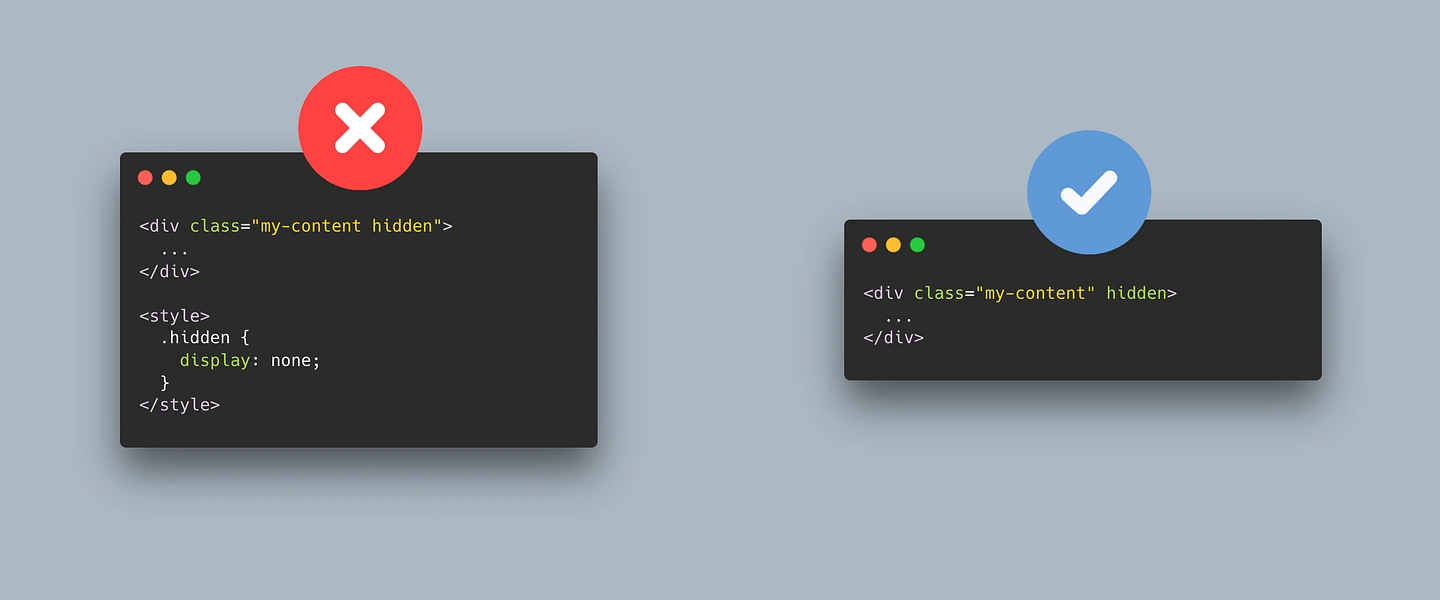
In some scenarios, you may need to redefine what [hidden] will do in CSS, but even on those cases, using the native attribute is more semantic and provides additional context than a custom class.
[required]
Form validation is the perfect ground for over-engineering. It is tempting to add a .required class in a label or input; instead, rely on the required attribute. The browser enforces it, screen readers announce it, and you don't need JavaScript to validate it! An element with the required attribute can be easily targeted with CSS using [required] so there's no need to duplicate attribute and class.
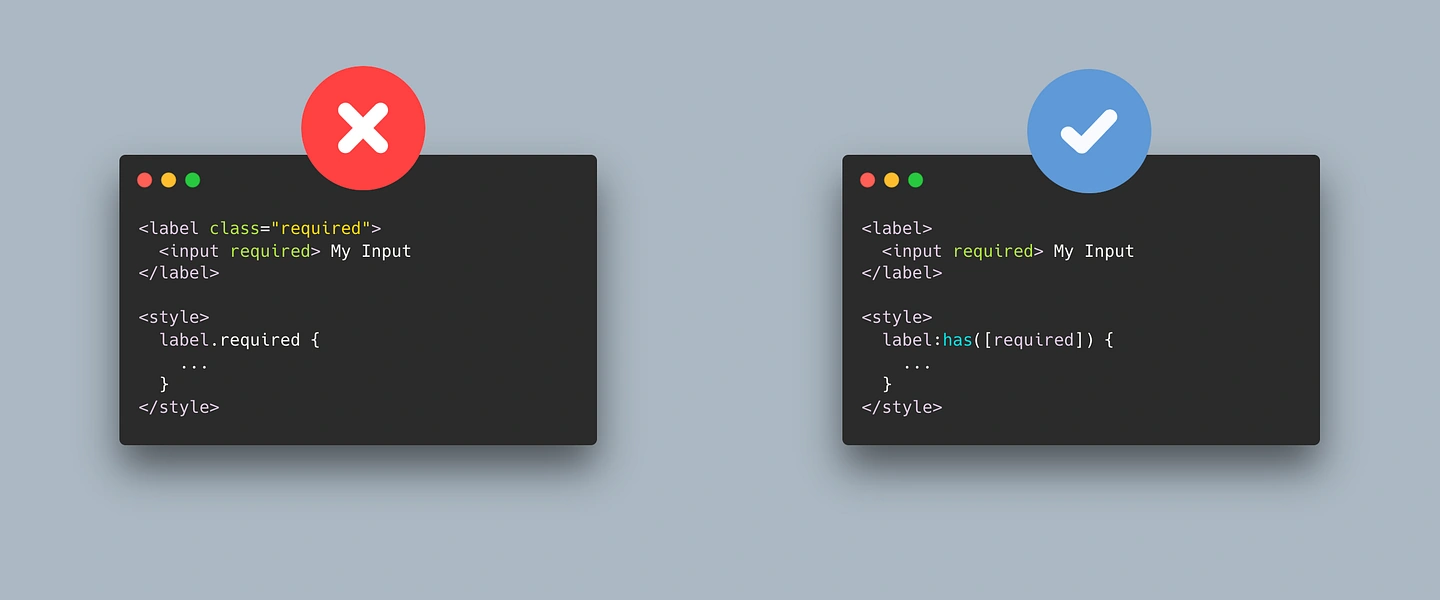
If you added the required class to the label associated with the required control, you can still style everything using combinators or the :has() pseudo-class.
[disabled]
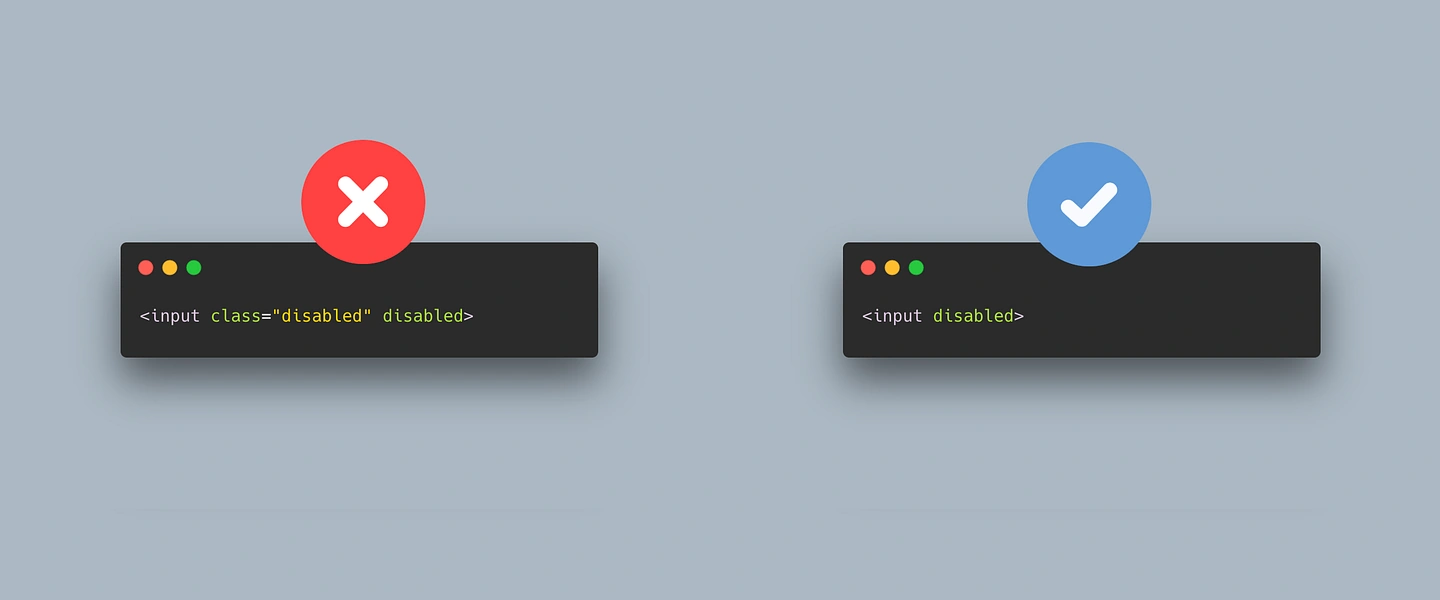
Buttons, inputs, and other form controls often get a .disabled class, but the disabled attribute already exists. It prevents interaction, signals state to assistive technologies, and is baked into the platform.
Again, why duplicate efforts and specify that a control is disabled using a non-semantic (class) and a semantic (attribute) option? Simplify the code, and keep only the semantic one.
...or [inert]
If you want to "disable" more than just single controls, the inert attribute is a powerful way to remove interactivity from entire regions. It's cleaner than disabling every child element manually, and easier to style, just using [inert] to target the element.
[switch] or [role="switch"]
Another way to target elements without needing to use classes is relying on roles. For example, instead of creating your own .switch class, use the ARIA "switch" role that can be targeted doing [role="switch"] (or the switch attribute once it's widely supported). Easy to style and it communicates semantics to assistive technologies. A win-win.
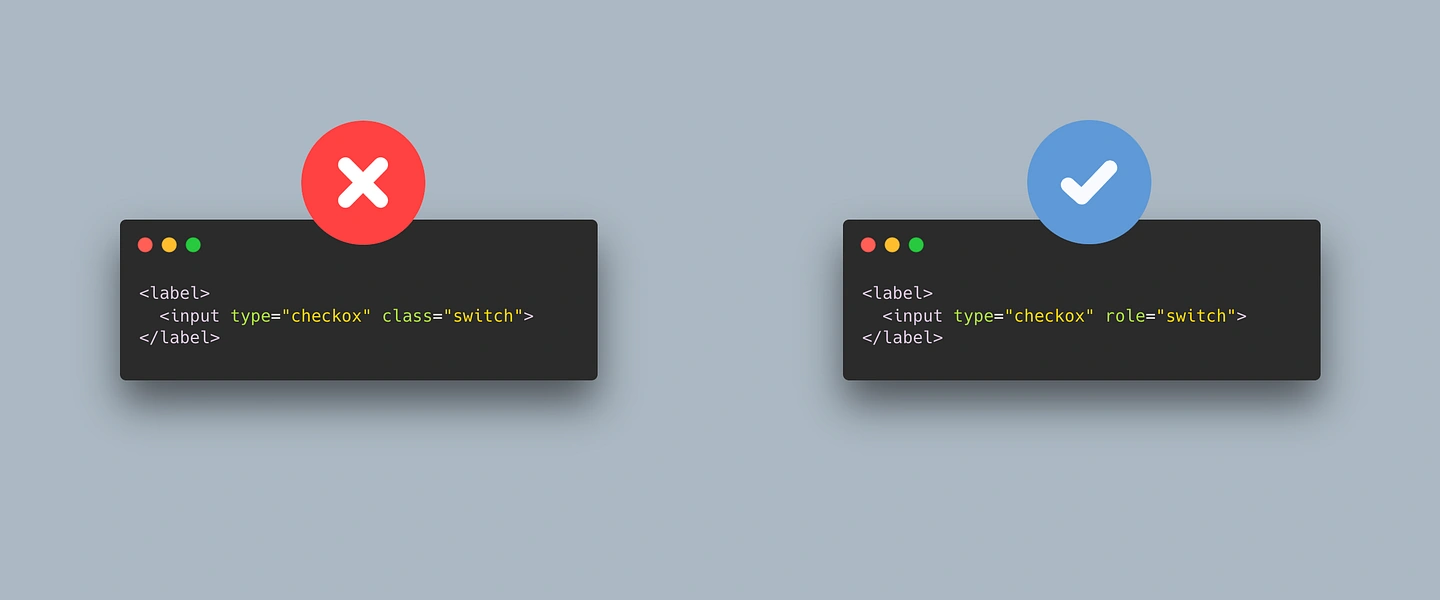
Note: As with everything related to accessibility, tread carefully. If done properly, it has many benefits for users and developers; but it can be a pain when not. This applies to roles and ARIA attributes like the ones we'll see next.
[aria-current]
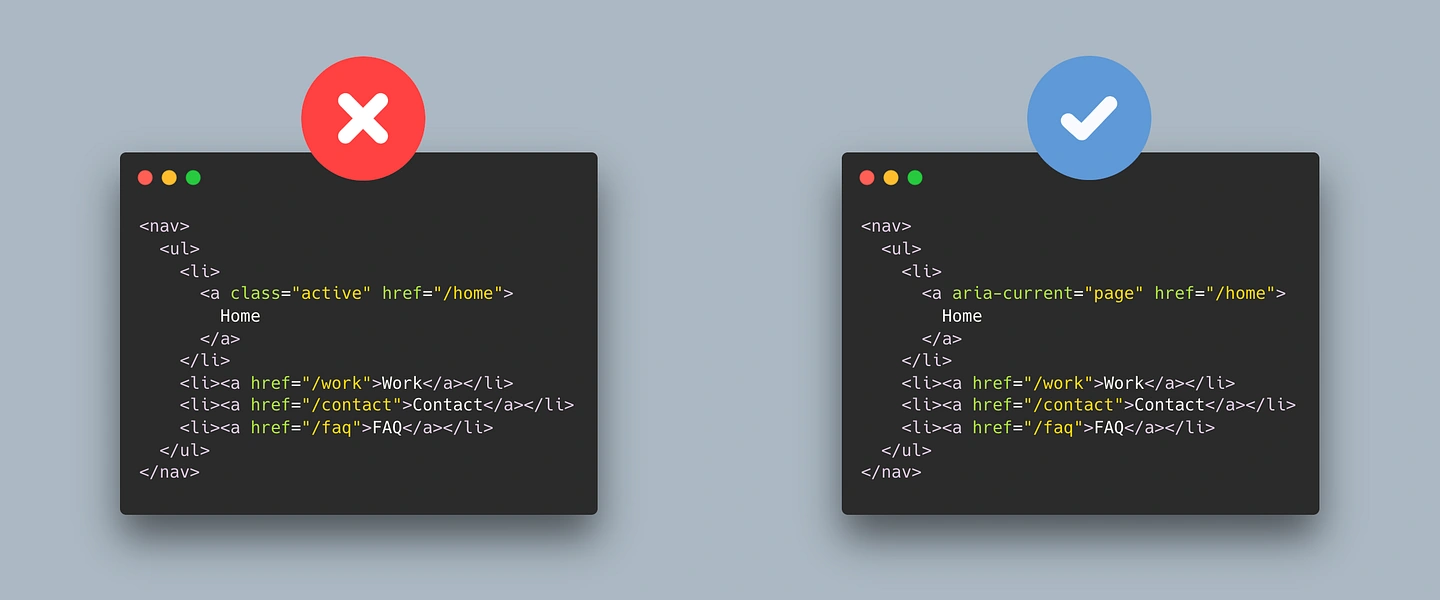
A component that every website has is a main navigation menu. And usually, that menu has a highlighted item that is the current page or section. Many times, developers use an .active class to be able to target that element, but there's an ARIA attribute that could be used to do the same: aria-current. It's semantic, accessible, and works across contexts.
...or [aria-selected="true"]
If you are coding some tabs, instead of using aria-current you can do aria-selected="true" for the current element. It signals which tab is active without relying on random class names.
[aria-busy="true"]
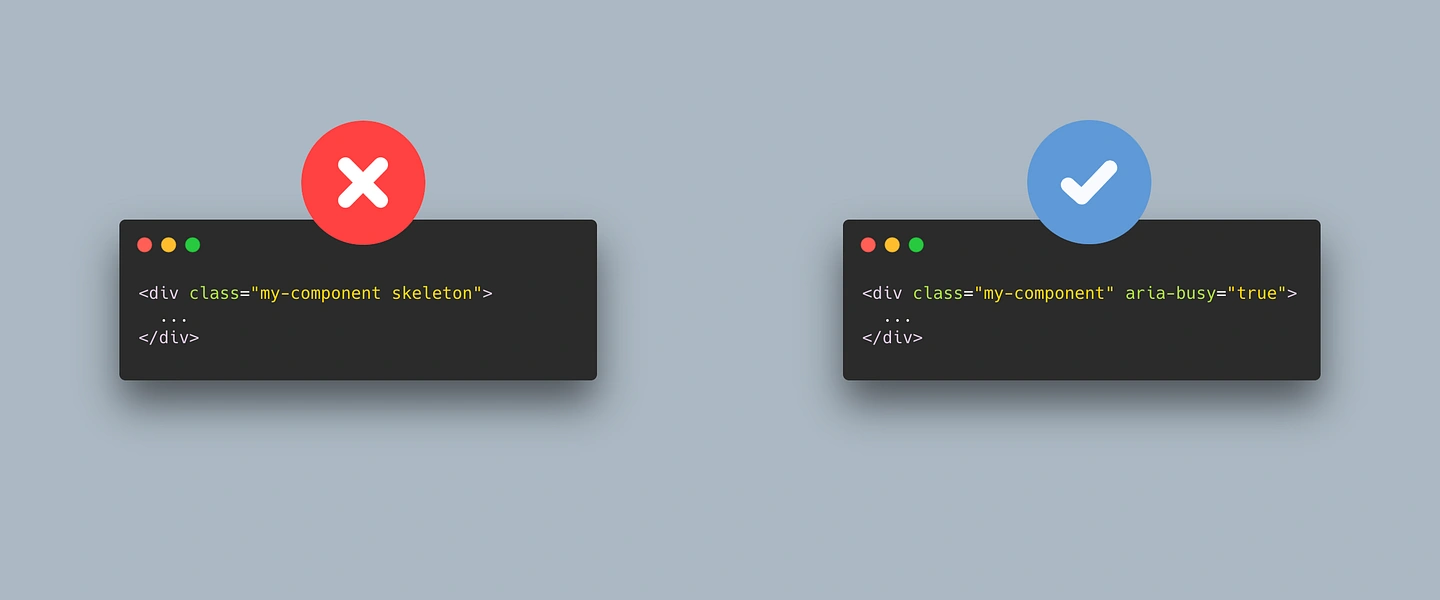
Skeleton loaders and "loading" states often rely on .loading or .skeleton classes. But aria-busy="true" can be used for this. It tells assistive technologies the element is updating, and you can target it directly with [aria-busy="true"] and style it.
[aria-invalid]
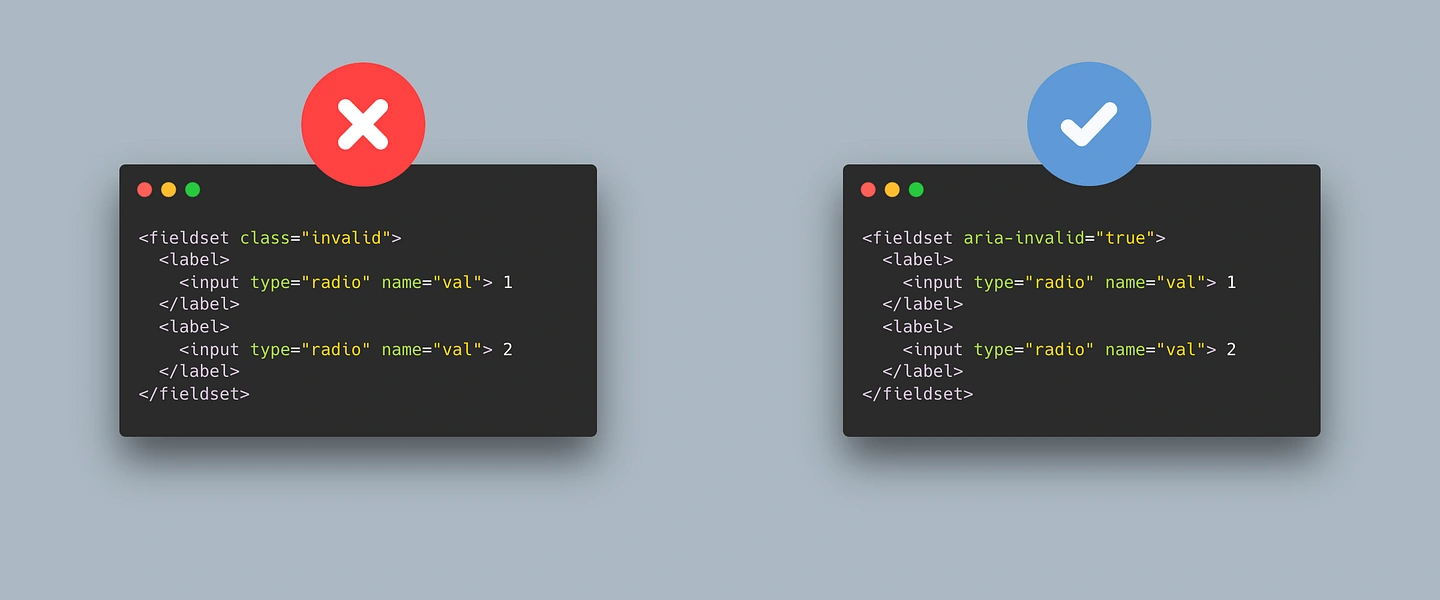
Validation errors often get an .error class, But aria-invalid exists for a reason. It communicates the error state to assistive technologies and gives you a styling hook with [aria-invalid="true"]. Why not take advantage of it? This may be useful in radio fieldsets or groups of controls.
Conclusion: Use Native Attributes
Using attributes instead of classes isn't just cleaner, it's more semantic, more accessible, and more future-proof. Classes are arbitrary labels that change from project to project; attributes are part of the language. When you use them, you're speaking HTML fluently instead of hacking around it. And the browser and assistive technologies will thank you for it.
Stop overusing classes. Let the platform do the work.